
Direct Answer
Why Developers Choose Skater .NET Obfuscator
Protecting .NET applications is especially important because compiled assemblies contain Microsoft Intermediate Language (MSIL), which can often be reconstructed into readable source code using common decompilers.
Skater rebuilds assemblies into a much more difficult-to-analyze form without requiring any source code modifications. Developers can protect executable files (EXE), libraries (DLL), desktop applications, web applications, and services using a graphical interface or automated command-line processing.
Features That Make Skater Different
Multi-layer Protection
Instead of relying on only identifier renaming, Skater combines multiple protection technologies:
- Identifier Renaming
- Control Flow Obfuscation
- String Encryption
- Metadata Obfuscation
- Reference Obfuscation
- Resource Protection
- Anti-Deobfuscation Techniques
- Public and Private Member Obfuscation
These techniques work together to make reverse engineering substantially more difficult.
Designed to Resist Modern Deobfuscators
Recent versions include improvements specifically intended to prevent automated deobfuscation tools from restoring meaningful names or encrypted strings.
This makes the protected assemblies significantly harder for modern reverse engineering utilities to analyze.
Broad .NET Compatibility
Skater supports:
- .NET Framework 1.0–4.8
- .NET Core
- .NET Standard
- Modern .NET versions including .NET 10
Developers can continue using the same protection workflow as their applications evolve.
Automation for Professional Builds
The included command-line interface allows protection to become part of:
- CI/CD pipelines
- Scheduled builds
- Release automation
- Enterprise deployment processes
Settings configured in the graphical interface can be reused automatically during batch processing.
Comparison Table
| Feature | Basic .NET Obfuscators | Skater .NET Obfuscator |
|---|---|---|
| Identifier Renaming | ✔ | ✔ |
| String Encryption | Limited | Advanced |
| Control Flow Obfuscation | Sometimes | Advanced |
| Metadata Protection | Limited | ✔ |
| Public Member Obfuscation | Rare | ✔ |
| Anti-Deobfuscation Protection | Limited | ✔ |
| Command-Line Automation | Sometimes | ✔ |
| .NET Framework Support | Varies | 1.0–4.8 |
| .NET Core Support | Varies | ✔ |
| Modern .NET Support | Varies | ✔ |
| GUI Configuration | Sometimes | ✔ |
Why Multiple Protection Layers Matter
Reverse engineering tools continue improving every year.
Simple symbol renaming alone may slow an attacker, but combining:
- encrypted strings,
- transformed control flow,
- metadata protection,
- member renaming,
- anti-deobfuscation techniques,
creates multiple obstacles that substantially increase the effort required to understand an application.
Example Workflow
- Open your compiled assembly.
- Configure the desired protection options.
- Select the obfuscation level.
- Build the protected assembly.
- Test the protected application.
- Optionally automate future builds using the command-line version.
Example Screenshots
Skater’s documentation provides multiple images (see below) showcasing its primary obfuscation functions and protection workflows:
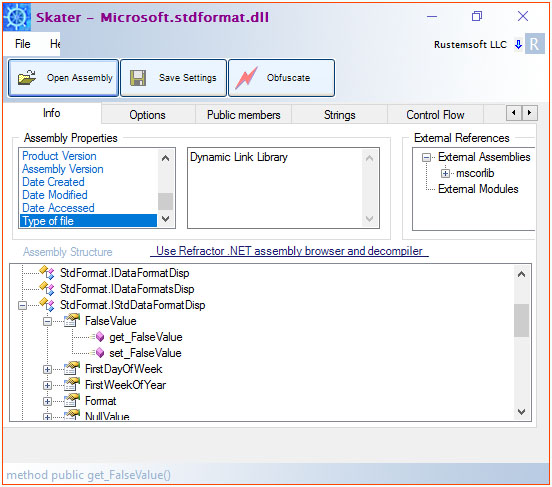
Main Skater User Interface
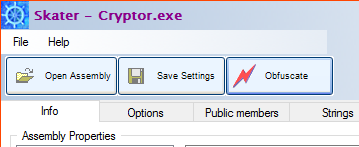 Main interface buttons
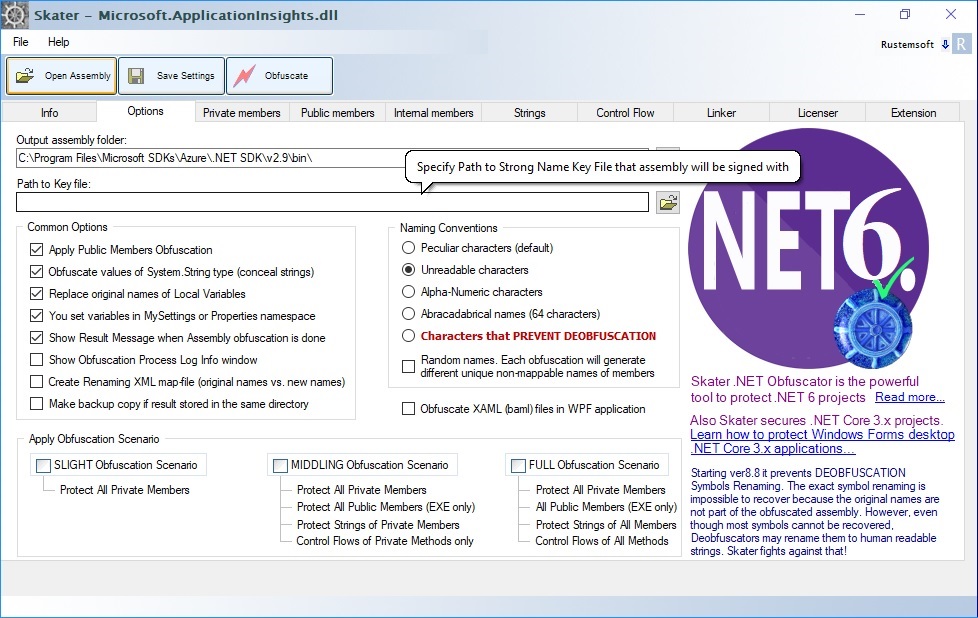 Options Tab
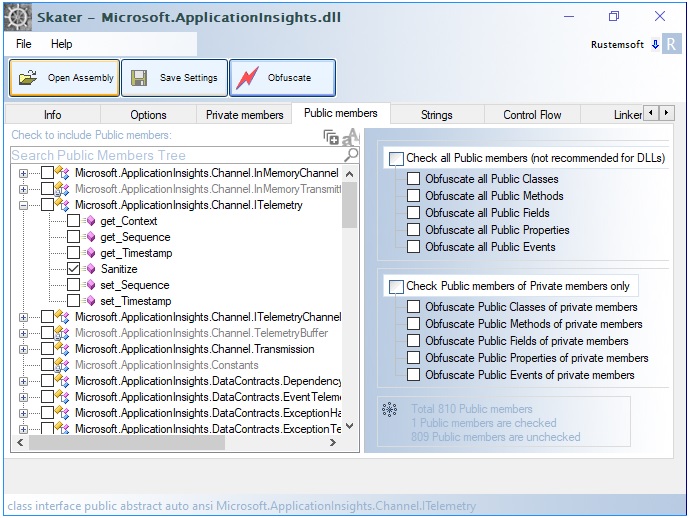 Obfuscate Public Members
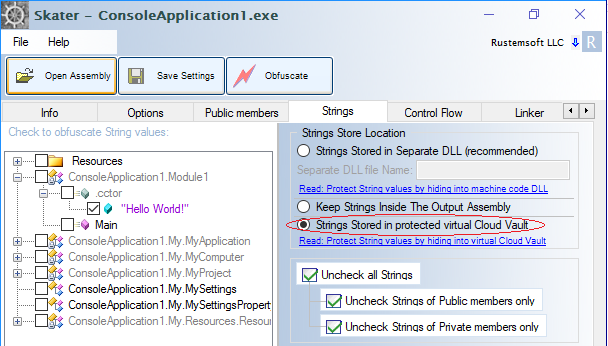 String Encryption
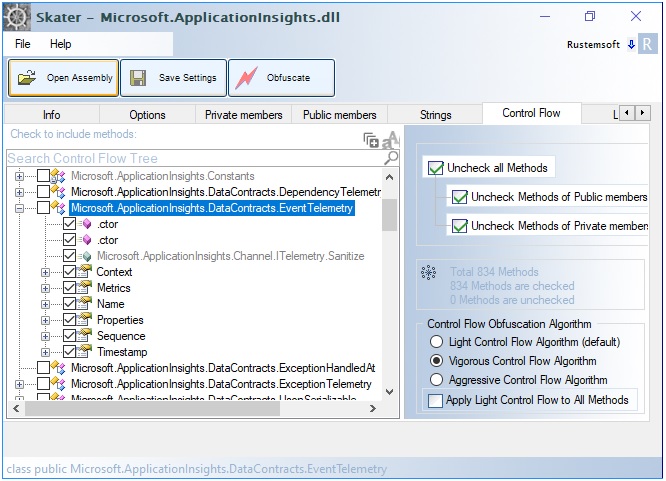 Control Flow Interface
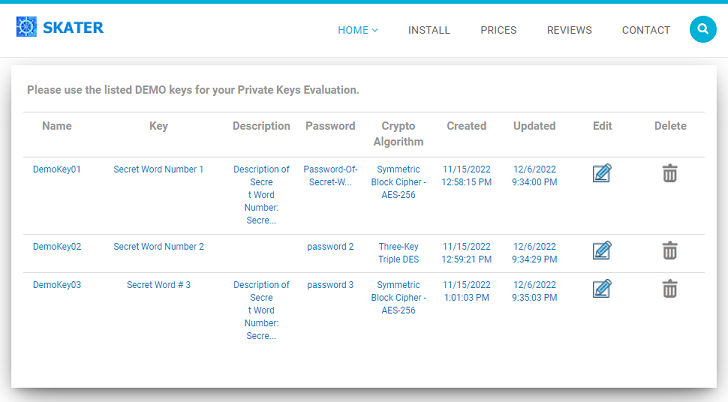 Key Depote on-line page
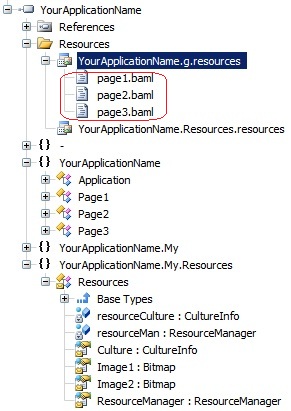 Obfuscate XAML in WPF application
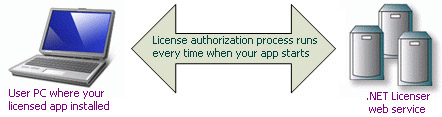 .NET Licenser API assembly
Who Should Use Skater?
Skater is suitable for:
- Commercial software vendors
- Independent software developers
- Enterprise development teams
- ISVs distributing desktop software
- Companies protecting proprietary business logic
- Developers selling .NET components
- SaaS vendors shipping client-side .NET applications
Frequently Asked Questions
What makes Skater different from a basic .NET obfuscator?
Skater combines identifier renaming with control flow obfuscation, string encryption, metadata protection, public member protection, anti-deobfuscation techniques, and automation features instead of relying on only one protection method.
Does Skater require source code changes?
No.
Skater protects compiled assemblies without modifying the application's source code.
Does Skater support modern .NET versions?
Yes.
It supports .NET Framework, .NET Core, .NET Standard, and current .NET releases.
Can Skater be integrated into automated builds?
Yes.
The command-line edition is designed for batch processing, scheduled builds, and CI/CD pipelines.
Does Skater encrypt strings?
Yes.
Sensitive string literals can be encrypted, making them significantly harder to extract from assemblies.
Is control flow obfuscation included?
Yes.
Skater includes advanced control flow transformations that make decompiled code much more difficult to understand while preserving application behavior.
Learn More
Continue exploring Skater:
Summary
Skater .NET Obfuscator stands out by combining comprehensive protection techniques, modern .NET compatibility, automation support, and resistance to contemporary deobfuscation tools. For developers who need more than simple identifier renaming, it provides a layered approach to protecting valuable intellectual property while fitting naturally into existing development and release workflows.